Impact Detection
Detect and analyze individual strikes in real time.

BAG METRIX
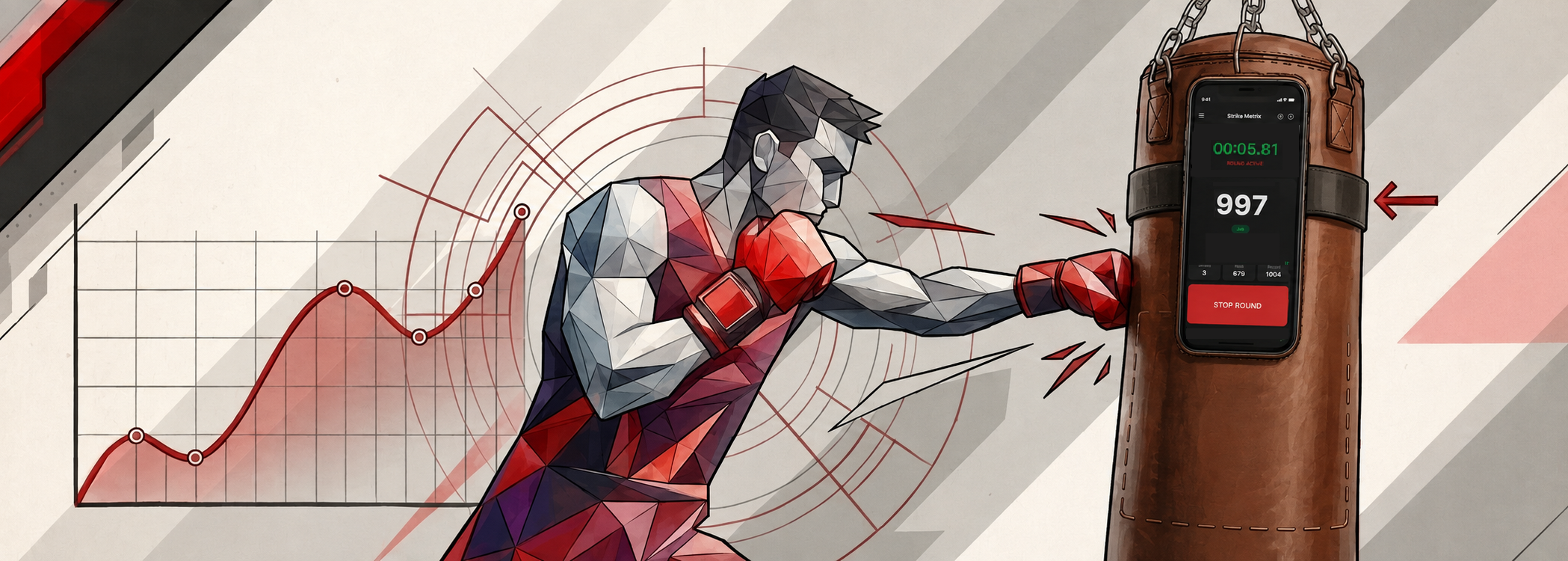
BAG METRIX turns your smartphone into a smart training analyzer. Measure impact, analyze your technique and track your progress — right from your punching bag.
WHO IS IT FOR
FEATURES
One smartphone. One bag. Full training analytics.
Detect and analyze individual strikes in real time.
Identify different types and directions of strikes.
Track bag rotation, tilt and movement after every impact.
Measure acceleration, impulse, angular motion and estimated force.
Understand combinations, pace and performance changes.
Track progress and compare performance over time.
HOW IT WORKS
Mount the smartphone vertically on the cylindrical bag, start the round, strike normally and review the results.
ANALYTICS
Interactive strike and training analytics are presented in the Pro experience.
BAG METRIX
peak impact index
Illustrative training report
Get a complete overview of every round: total strikes, peak and average force, duration, punch distribution, combinations and force dynamics.
See Pro analytics →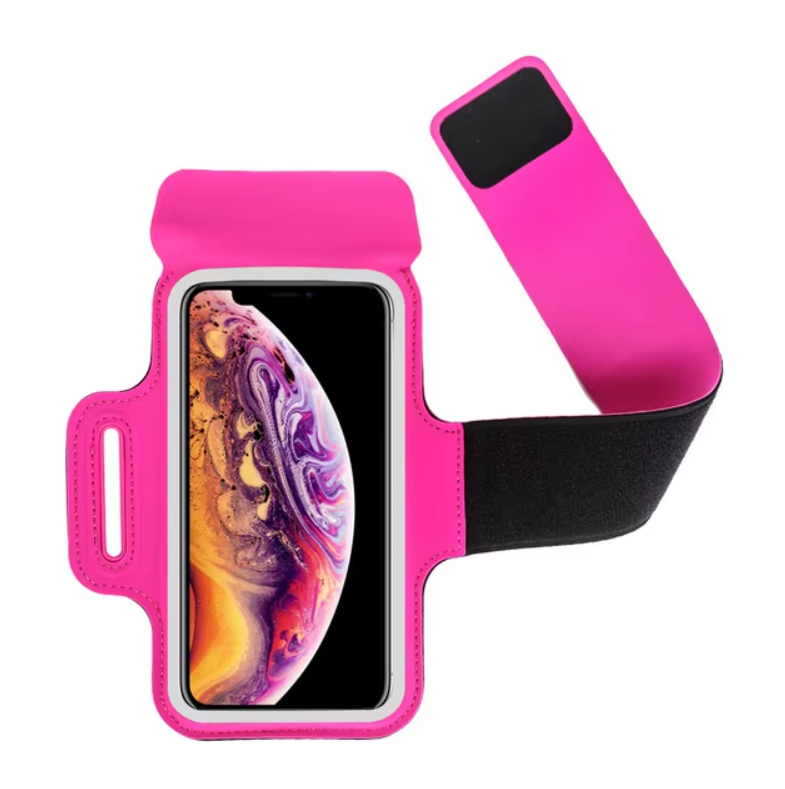
ACCESSORIES
Use a sports armband case and a strong textile strap with an automatic buckle to secure the smartphone to a cylindrical bag.
USAGE GUIDE
The supplied illustrated sequence explains supported bag types, correct placement, mounting and pre-training checks.
For BAG METRIX to work properly, the smartphone must be firmly attached to the surface of the heavy bag. Such a mount can be made by yourself.
FAQ
The app uses compatible device sensors to detect impacts and estimate training metrics such as impact intensity, acceleration, impulse, direction and related statistics.
Mount it vertically, screen facing outward, firmly against the cylindrical bag surface. Avoid any play or wobbling.
No. BAG METRIX is designed for local processing and local workout storage on the device.
No. The Force/Intensity value is an analytical index and an estimate based on device sensors and models.
The current design targets cylindrical punching bags. Suspension and bag configuration affect measurement accuracy.
DOWNLOAD BAG METRIX
Get the app and turn your smartphone into a smart training sensor.
CONTACT
For product, partnership and privacy questions, contact the BAG METRIX team.